Press kit
Snapshots: Instant Film Camera turns an iPhone into an instant camera. Press the shutter, watch your photo print and develop, then write a caption on it and keep it. On iPhone Duo, it is built around the fold.
Writing about Snapshots? I'm happy to answer questions, send a pre-release build or arrange a demo.
Ryan Fredericks · trysnapshots@gmail.com
Video
One minute, with sound. Every iPhone Duo pose: Closed, Landscape, Seated, unfolding to print, the gallery, the clock and the two themes. Then the same camera, printer and gallery on a regular iPhone.
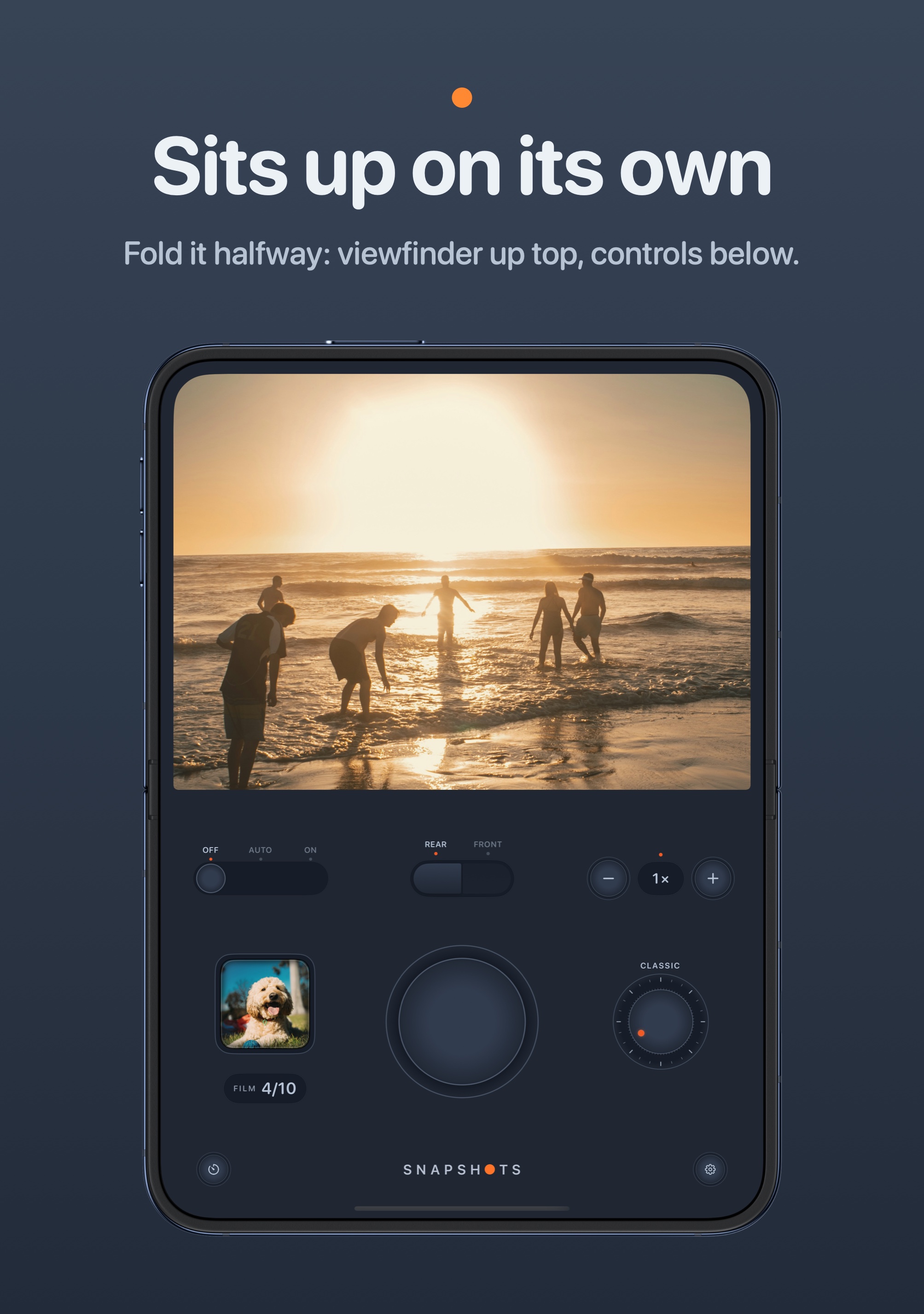
Apple provides no product image of iPhone Duo in the Seated pose, and its guidelines ask that its images be used unaltered, so the Seated part of the video is shown in the open Portrait frame. On the device it sits half open.
Fact sheet
Name: Snapshots: Instant Film Camera
Maker: Ryan Fredericks, an independent developer. Snapshots is his first app.
For: iPhone and iPhone Duo, with iOS 27 or later
Price: $1.99, once. No subscription, no in-app purchases, no ads.
Availability: Coming soon to the App Store. iPhone Duo goes on sale October 23, 2026.
Privacy: No account and no ads. Photos stay on the phone, and the app sends nothing anywhere.
Website: cocktail5555.github.io/snapshots/app
What it does
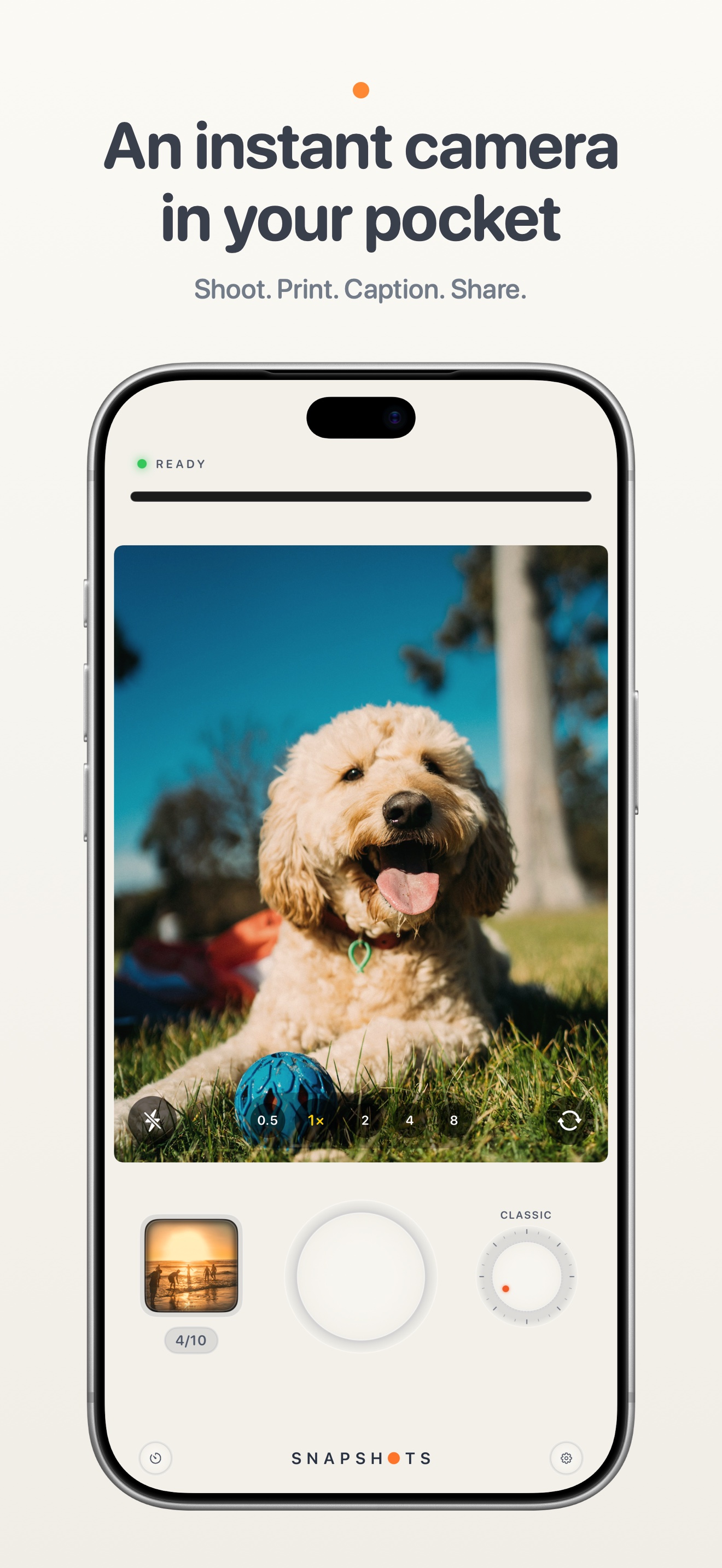
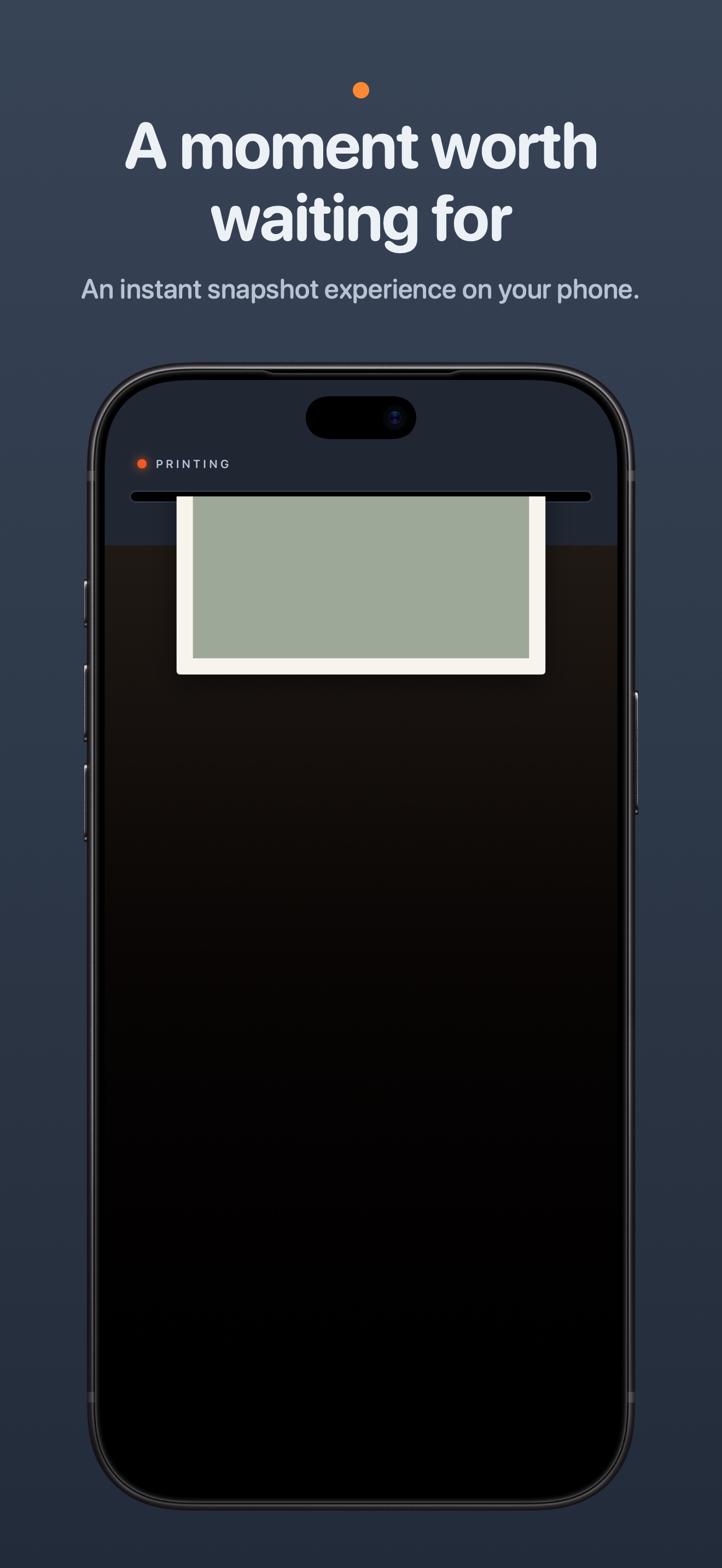
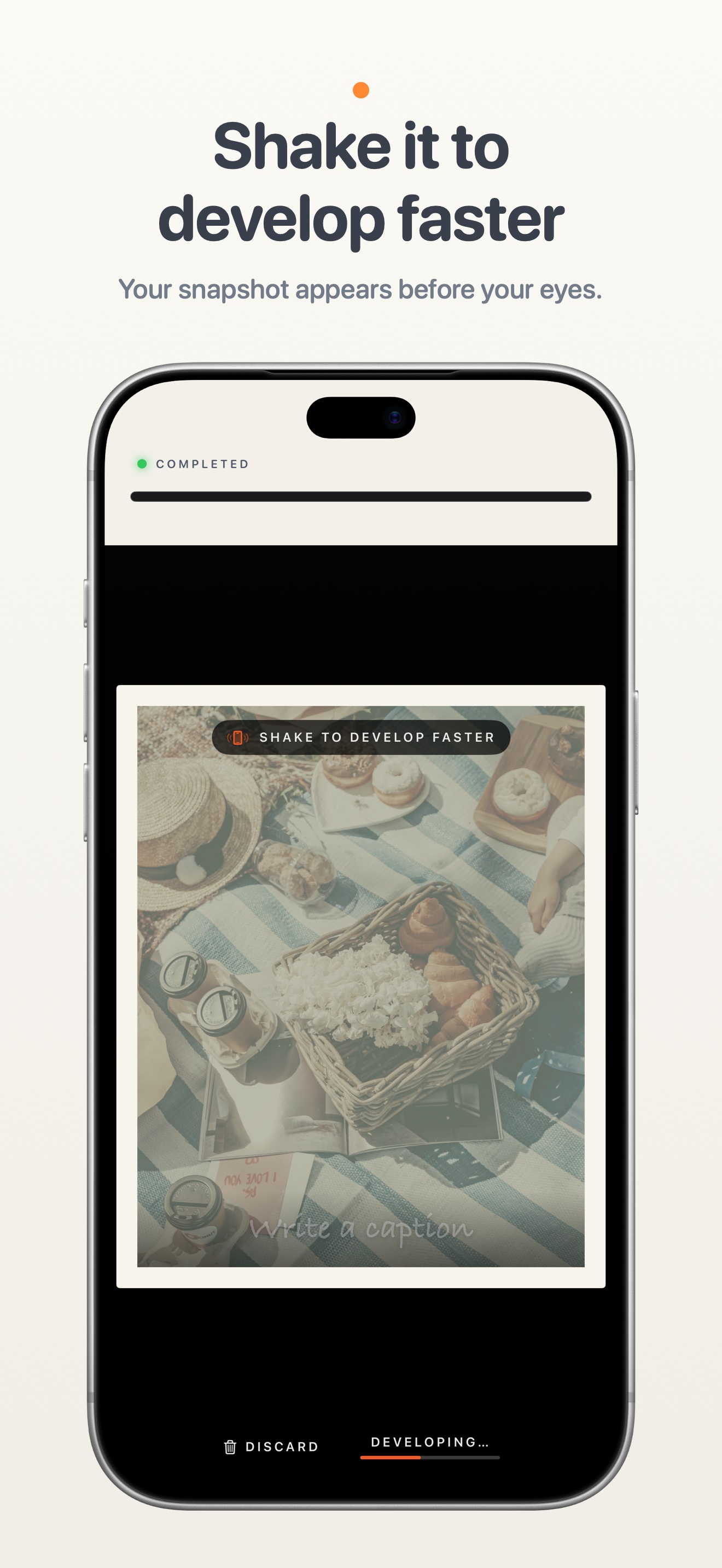
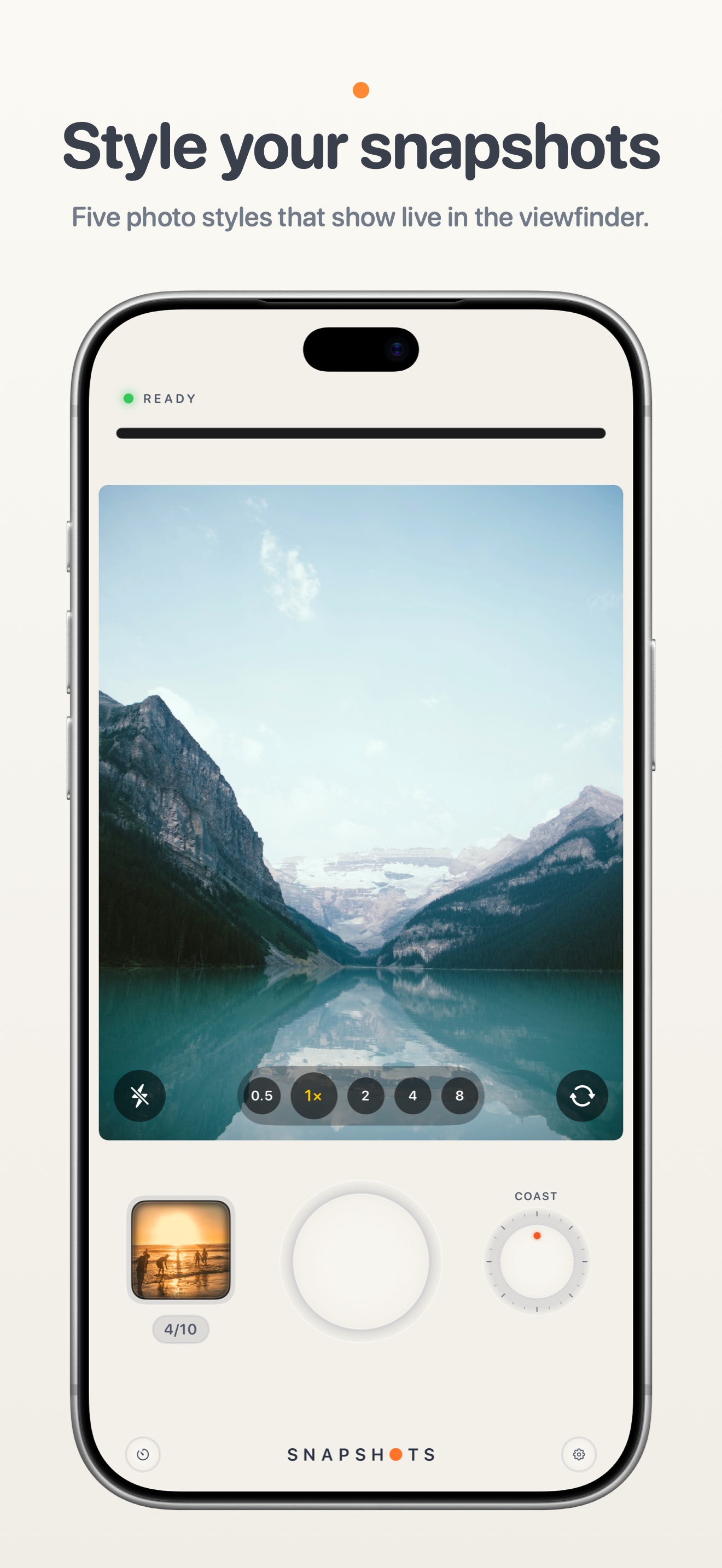
A camera with a printer built in. Every photo feeds out of a printer at the top of the screen as a framed instant print, with the sound of the motor, and develops as you watch. Shake the phone and it develops immediately.
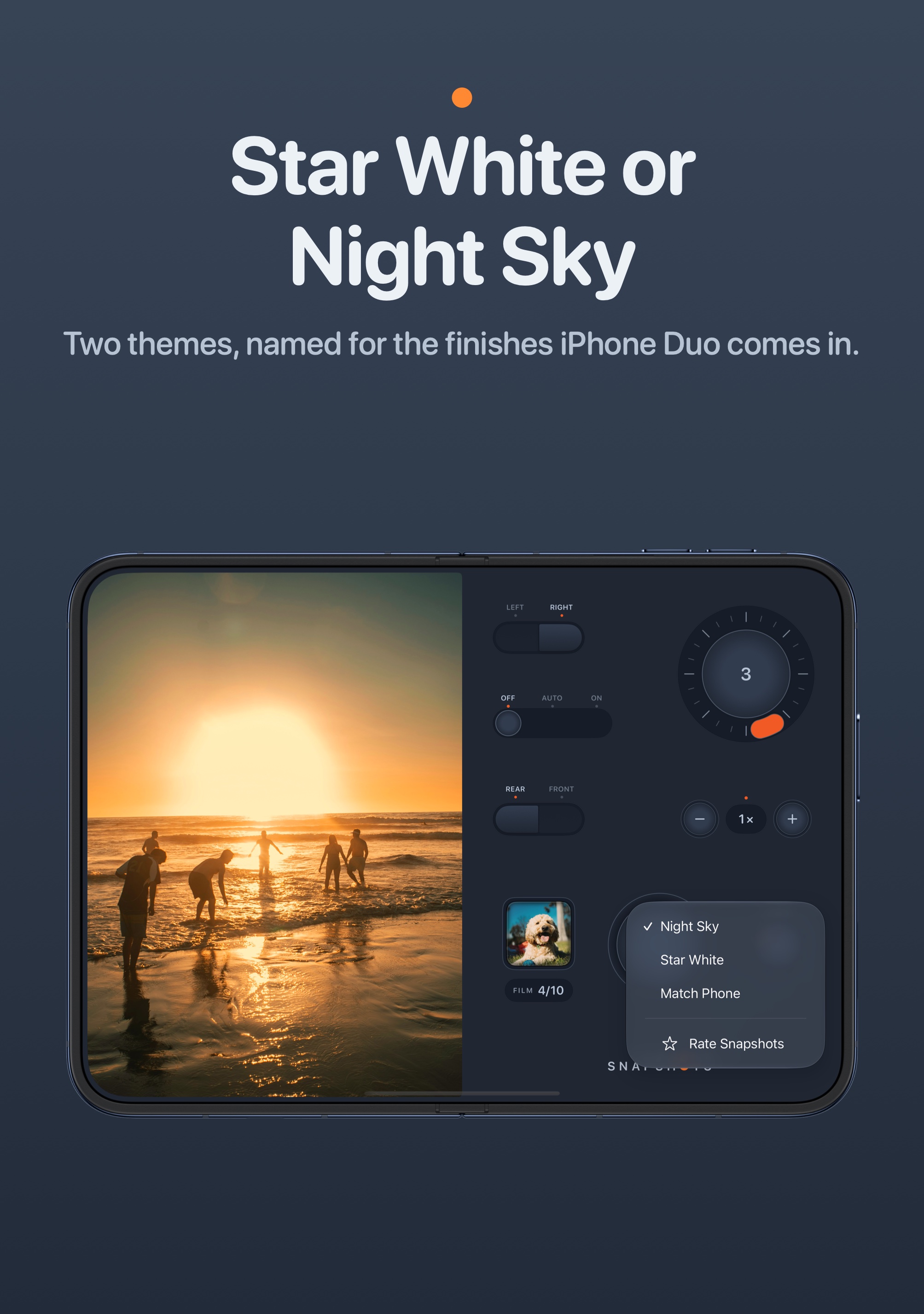
Controls designed like hardware. A large shutter, a film dial that clicks through five styles (Classic, Gold, Coast, Sepia, Mono), a zoom step for each lens, flash, self-timer and front camera. Light and dark themes.
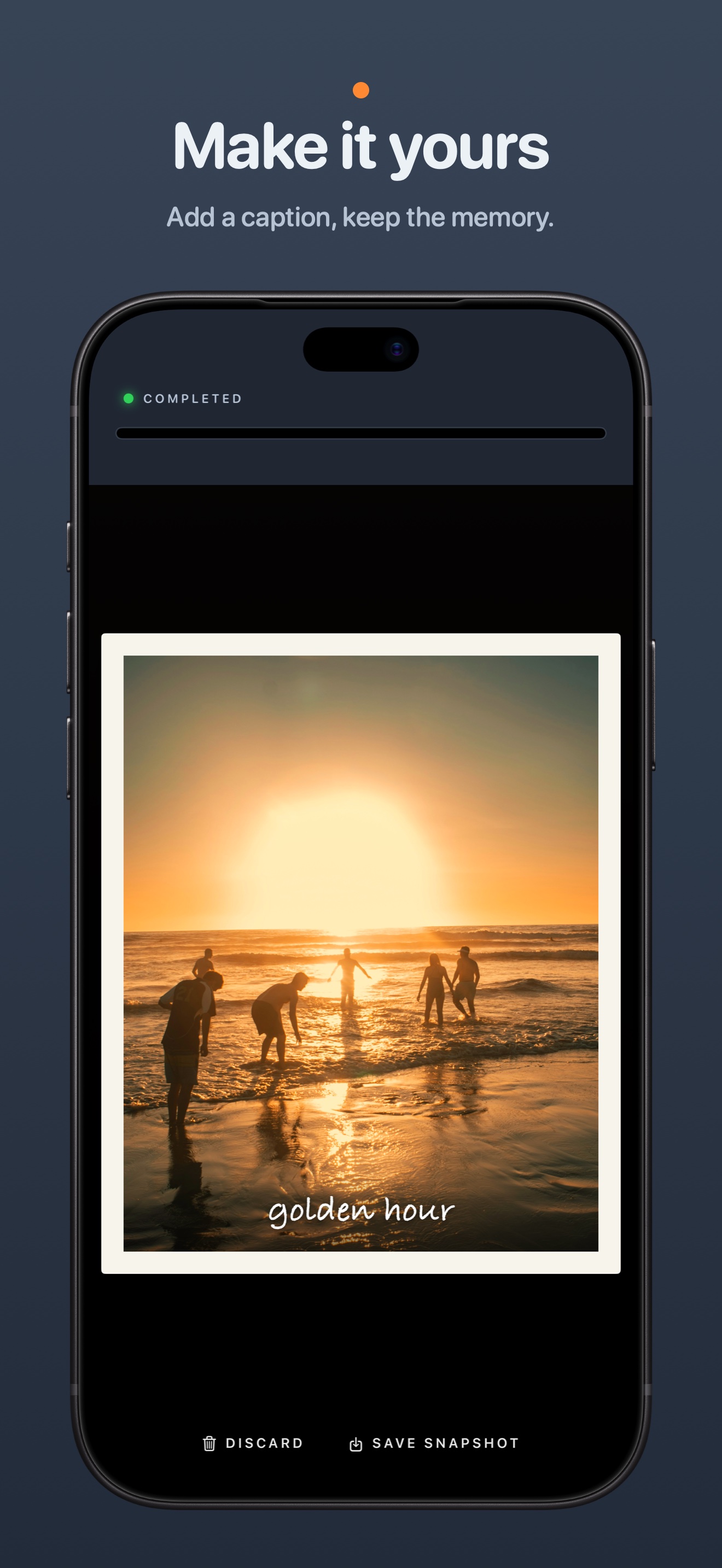
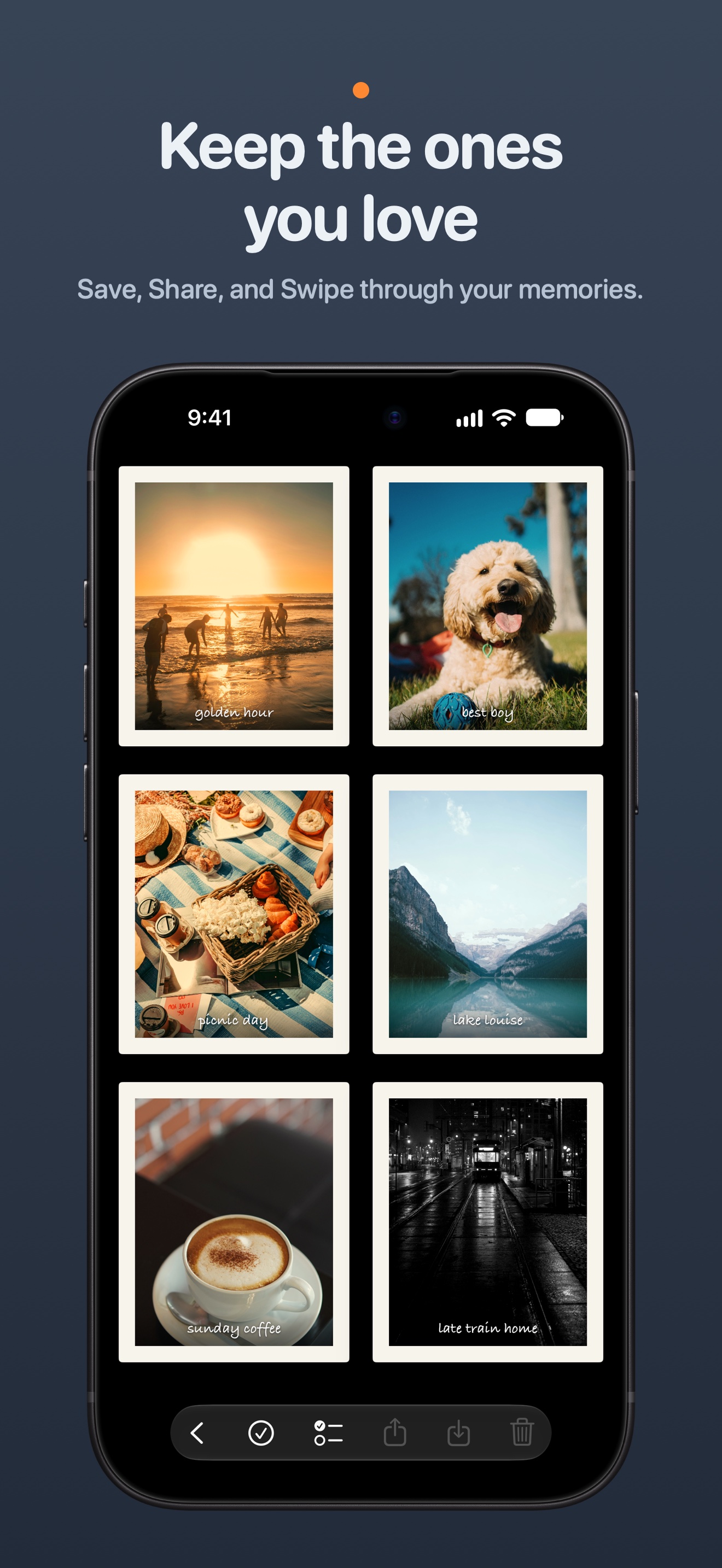
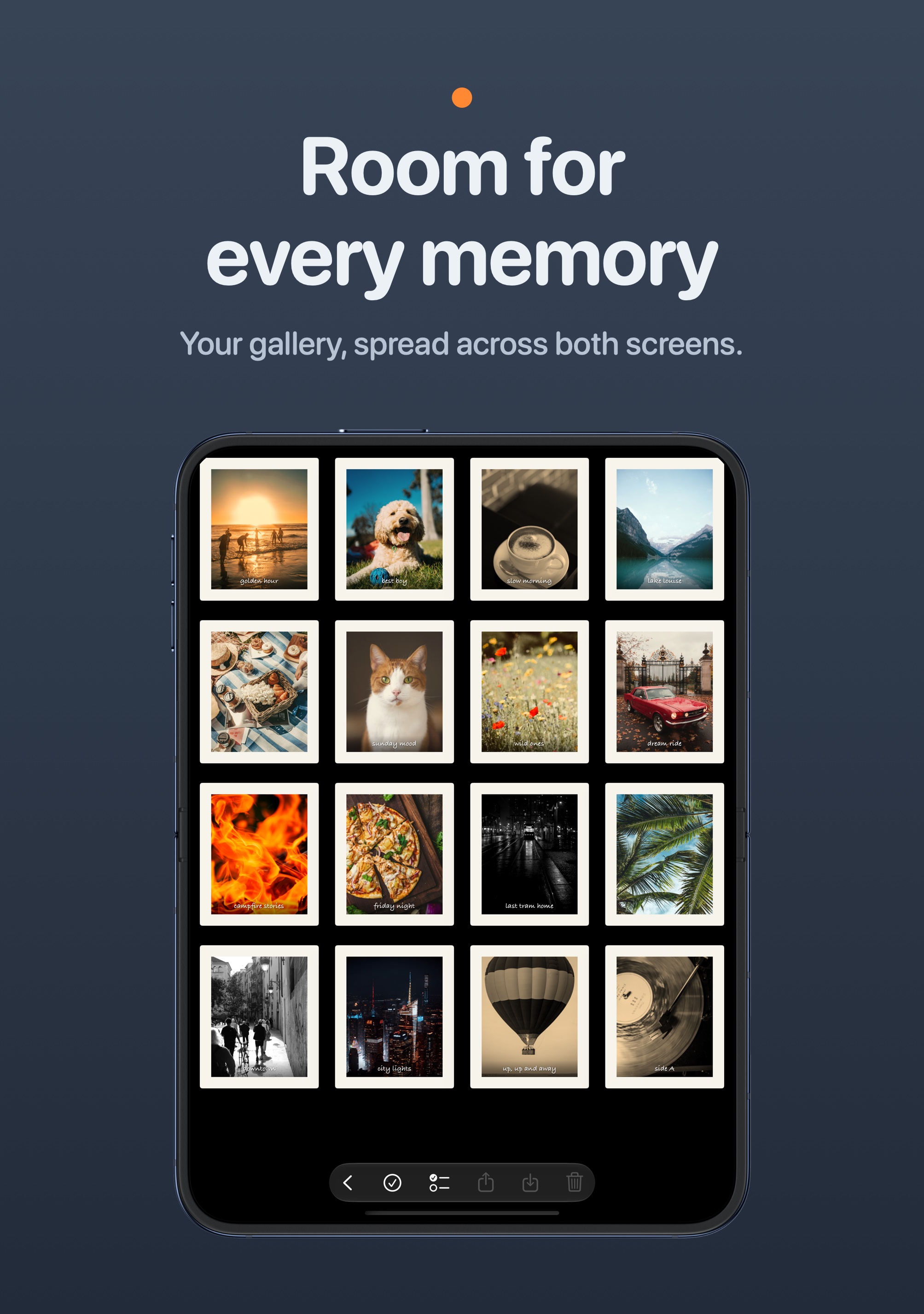
Captions and a gallery. Write a handwritten-style caption along the bottom of a print, then keep it in the gallery, share it, or save it to Photos with its border and caption.
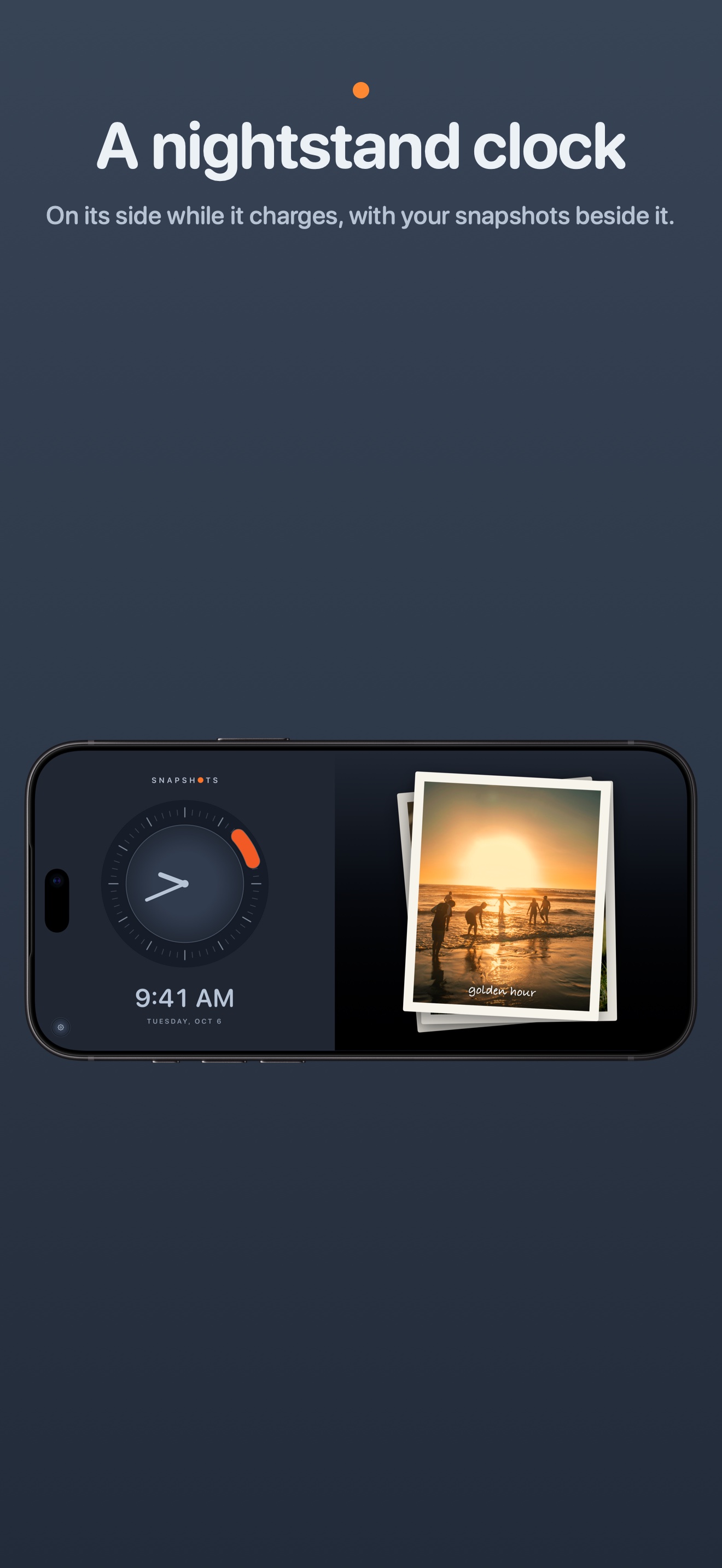
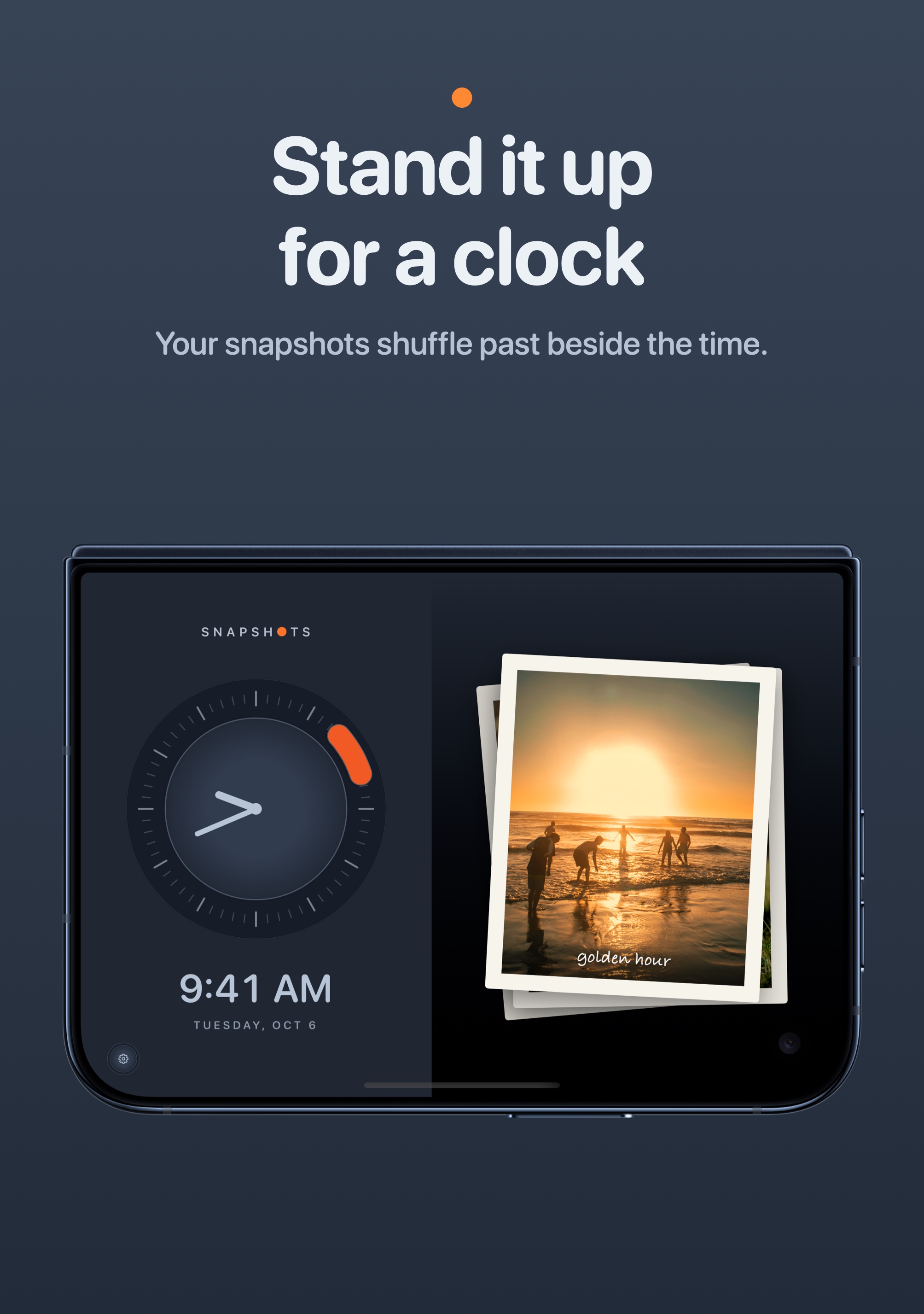
A nightstand clock. Turned on its side while charging, the app becomes a clock with your prints shuffling past beside it.
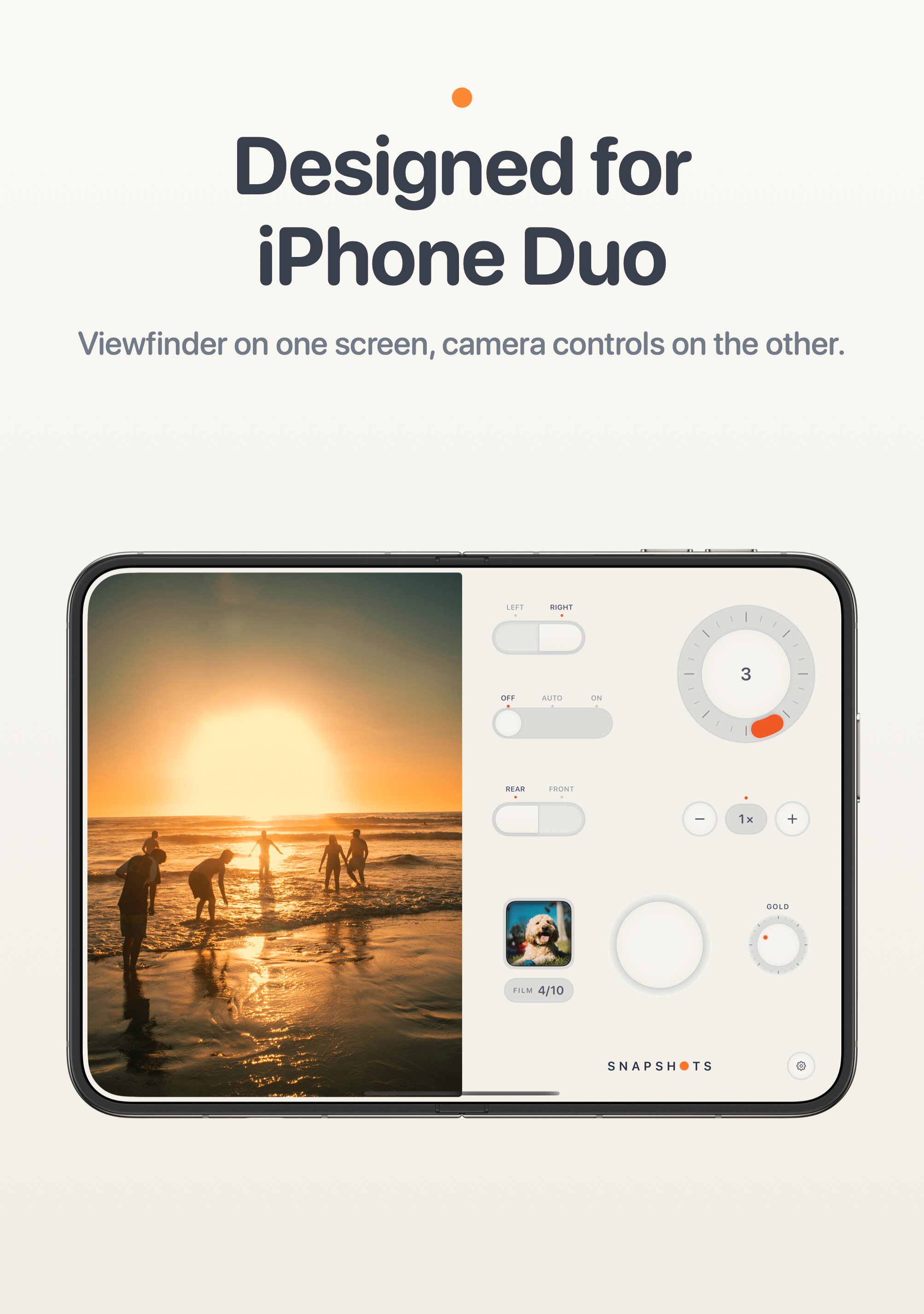
Designed for iPhone Duo
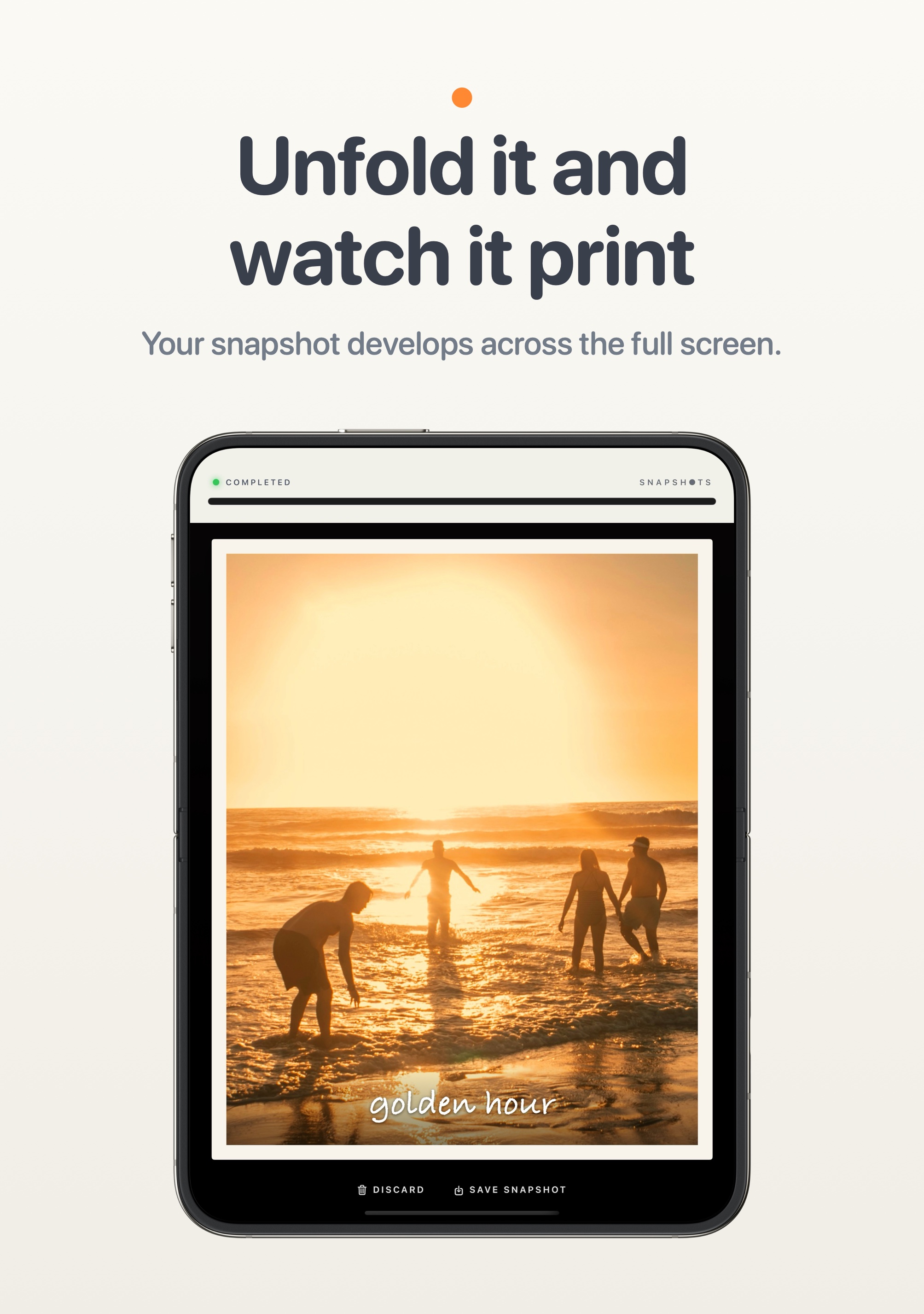
Seated: stand the Duo half open, with the viewfinder on the upright half and the controls on the flat half. Take the shot and the print waits in the printer. Unfold the Duo flat and the print feeds out across the whole display.
Landscape: the viewfinder on one screen and a full camera body on the other, with a switch to swap sides.
Portrait: a large viewfinder above the controls, and a print that fills the screen.
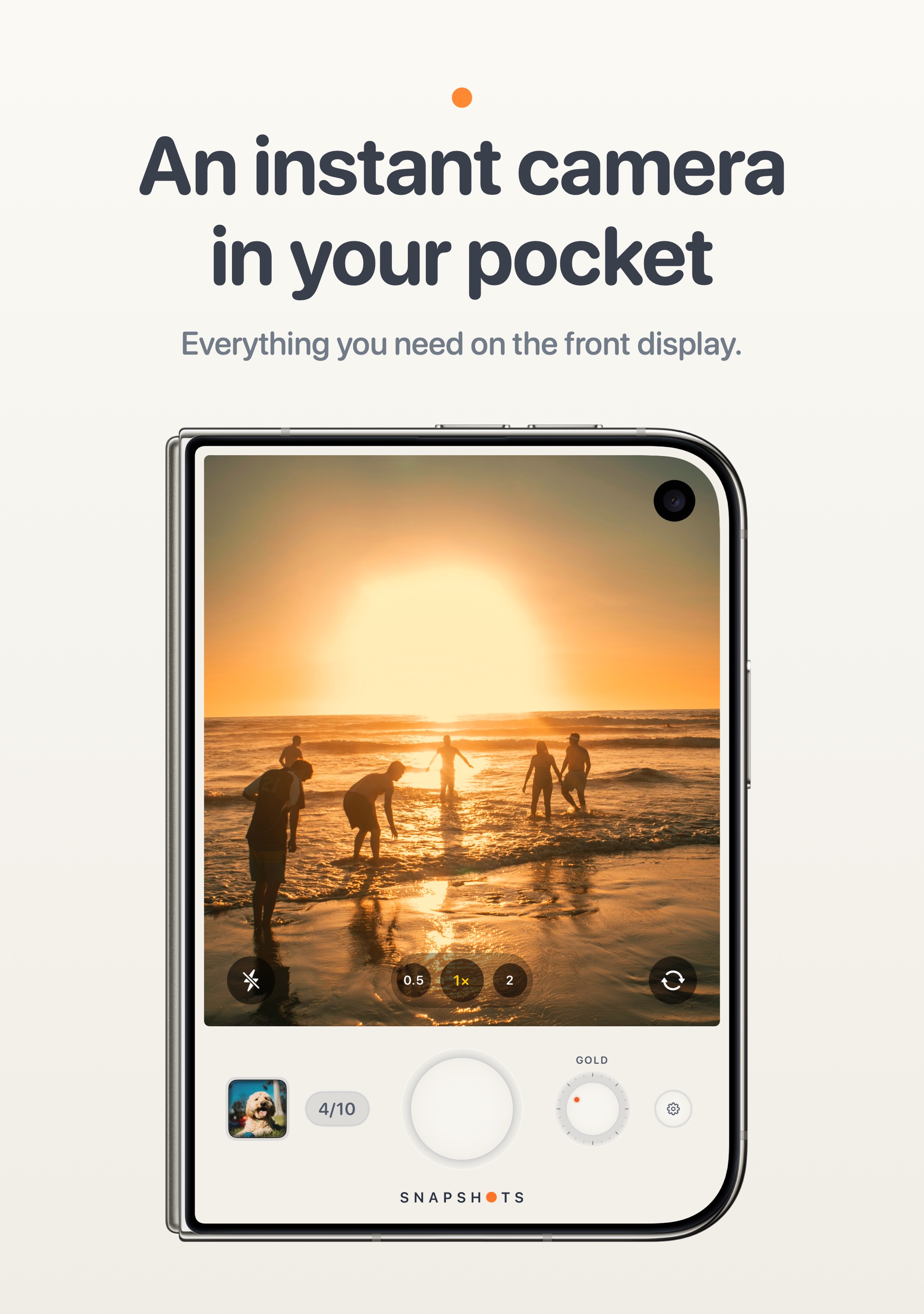
Closed: a pocket camera on the front display.
Standing: stood up like a tent, a clock with your snapshots beside it.
iPhone Duo screens were captured in Apple's iPhone Duo simulator.
About the maker
Ryan Fredericks waited in line for the original iPhone and has wanted to build an app of his own ever since. iPhone Duo was the reason to finally start. Snapshots is his first app, made to feel the way that first iPhone did: simple, surprising and fun.
Screenshots and icon
Free to use in coverage of Snapshots. Device frames are Apple's own product bezels.
App icon
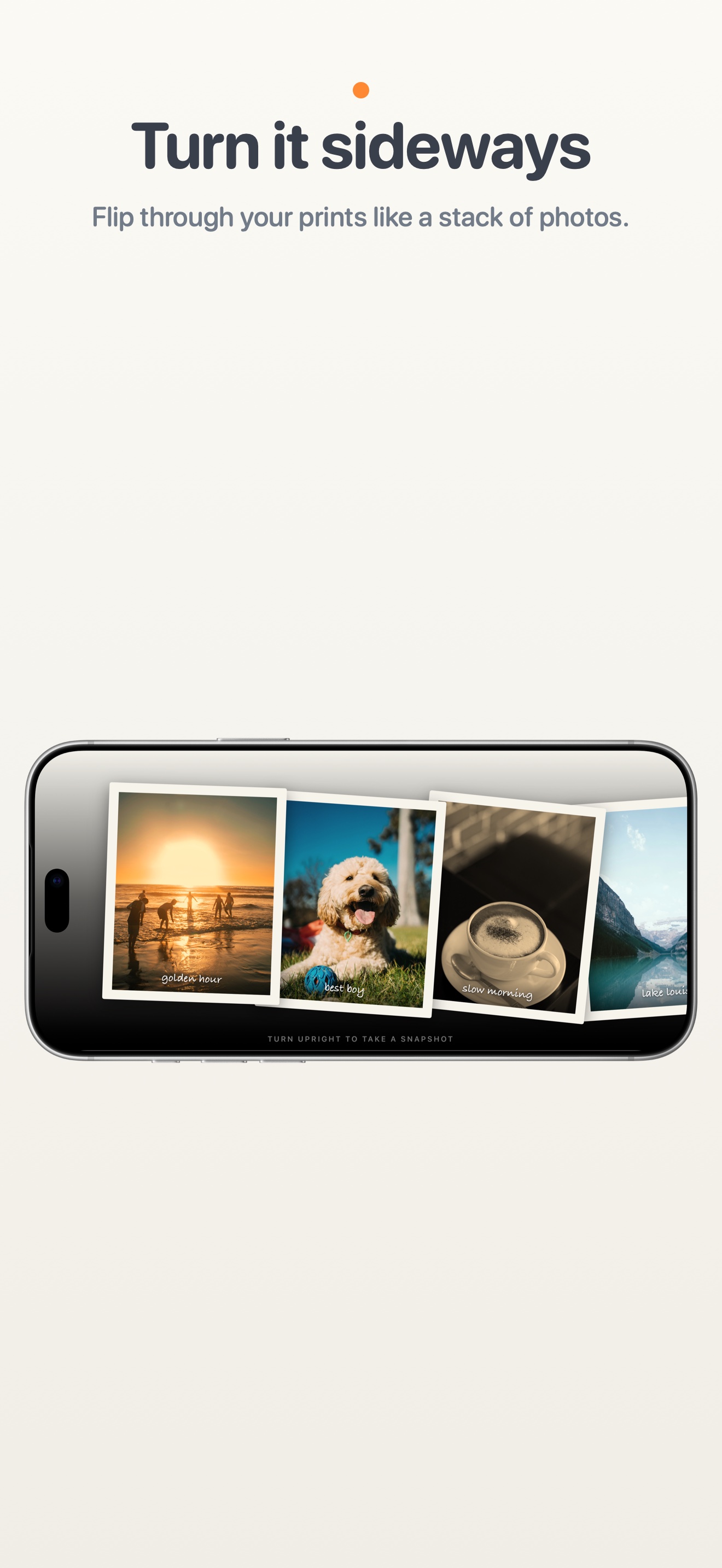
iPhone: camera, printing, developing, caption, film styles, gallery, sideways, nightstand clock
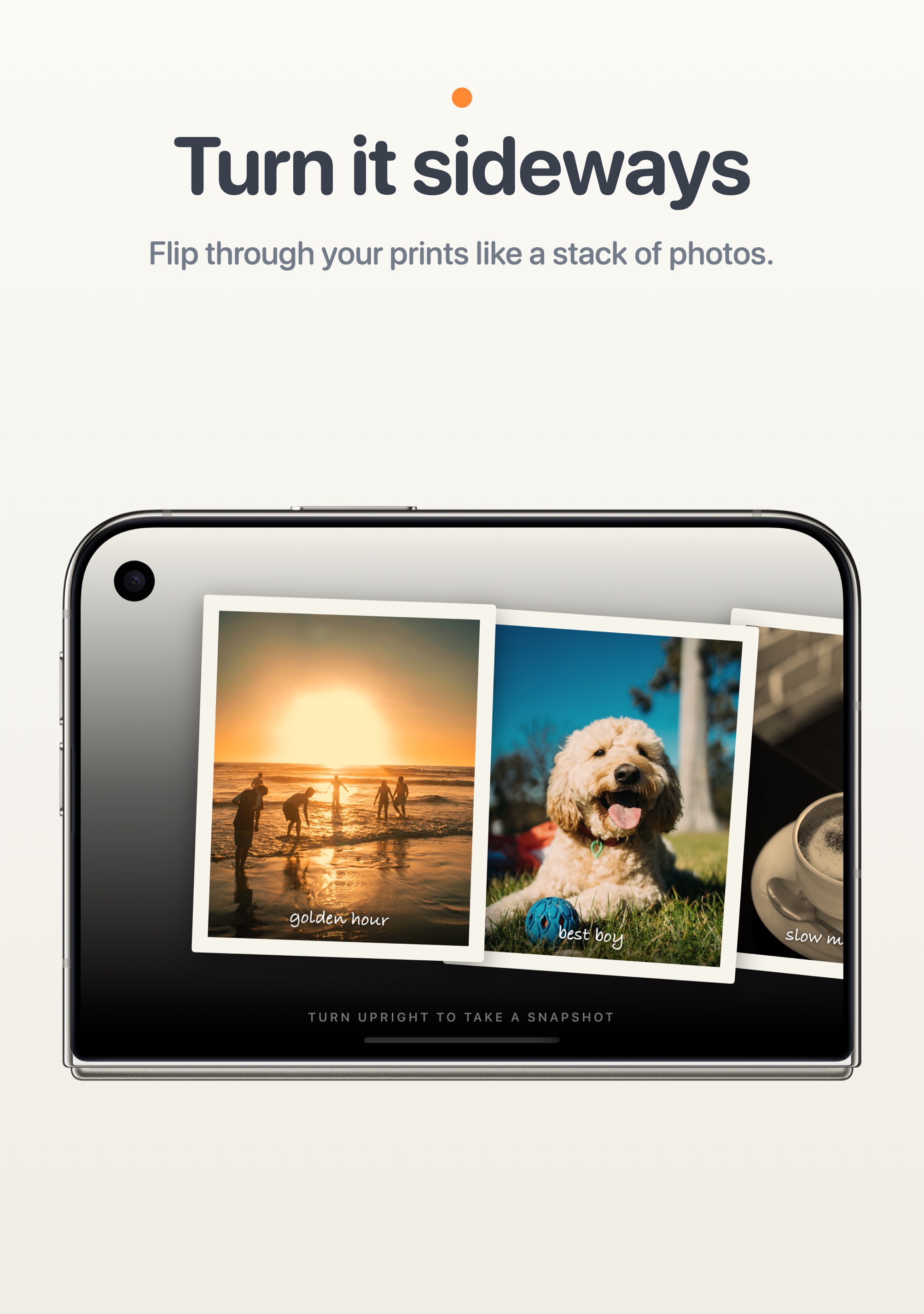
iPhone Duo: Landscape, Seated, Portrait print, Closed, gallery, sideways, Standing clock, themes